
RCS: Roblox AI OS (Creator) Skills
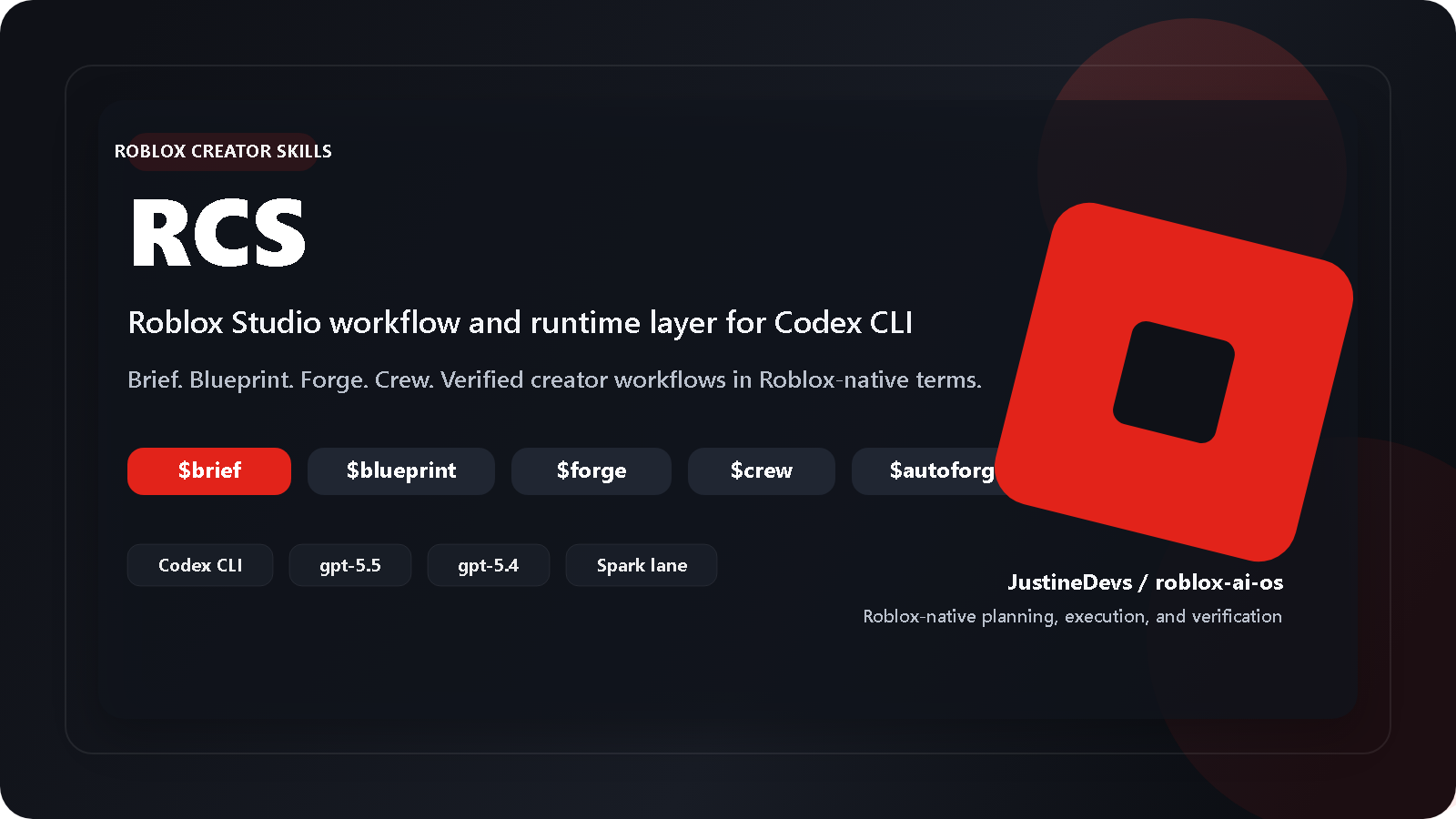
RCS is a Roblox Studio operating layer for OpenAI Codex CLI: it gives serious Roblox creators one disciplined workflow for briefing, planning, building, reviewing, and verifying creator work in Roblox-native terms. It is owned by @JustineDevs and ships creator-oriented briefing, blueprinting, forging, crew execution, and psychology-aware design workflows on top of Codex. I’m building this because I think a lot of Roblox AI tooling is strongest in the first 10 minutes and weakest in the next 10 hours. Tools like Lemonade AI, RoPilot, and Hawknet can be genuinely useful for prototyping, but the recurring failure pattern seems to be: - context loss once the project grows - code that looks correct but breaks at runtime - performance-heavy patterns like repeated waits or unnecessary network calls
Integrated Networks
Responsibilities
Tags
Technologies
My Responsibilities
- Shipping in 1 week Built Roblox AI OS
- an AI-focused creator tooling project for structured Roblox development and rapid prototyping.
Description
roblox-ai-os: Roblox AI OS (Creator) Skills for Codex, Claude, Cursor, and more IDE
I built RCS because Roblox AI coding tools are great for rapid prototyping, but they get much harder to trust as projects grow.
A lot of current Roblox AI tools are useful for getting a mechanic working quickly, but the failure mode is usually not syntax. It is workflow drift: lost context, subtle logic bugs,
repeated fixes that create new problems, weak verification, and code that becomes hard to maintain later.
RCS is a workflow/runtime layer around Codex for Roblox creators. It does not try to be “another magic code generator”. The goal is to make AI-assisted Roblox work more structured and easier to trust.
What it does today:
-
gives a Roblox-first workflow from brief -> plan -> execution -> verification
-
adds stricter planning before code generation for Roblox-specific work like remotes, DataStore, UI, plugins, and workspace structure
-
Keeps project state, plans, logs, and workflow context in one place
-
supports multi-agent and adapter-style lanes instead of assuming every AI tool works the same way
-
treats official Roblox references and grounded docs as part of the default workflow, to reduce hallucination
-
The project is for advanced Roblox creators and technical tool/plugin builders, not for beginners looking for a single prompt-to-game button.
I’d especially love feedback on:
- whether this is the right abstraction layer for Roblox AI tooling
- whether the platform compatibility model makes sense
- where the boundary should be between code generation, workflow control, and live Studio integration.
Activity
Heatmap
GitHub activity is loading or unavailable. Last-known snapshots will appear here after the first refresh.
.png)